
Download 3D Desktop Pets – Animated Desktop Companions, Interactive 3D Models, Virtual Pet App, Desktop Customization Tool
Overview
3D Desktop Pets is a unique mobile application designed to transform the user’s desktop environment into a dynamic, interactive space filled with animated 3D pets. By integrating virtual companions directly into the desktop interface, the app offers a novel approach to personalization and digital companionship. It is particularly suited for users who seek creative ways to enhance their workspace with engaging, lifelike digital entities.
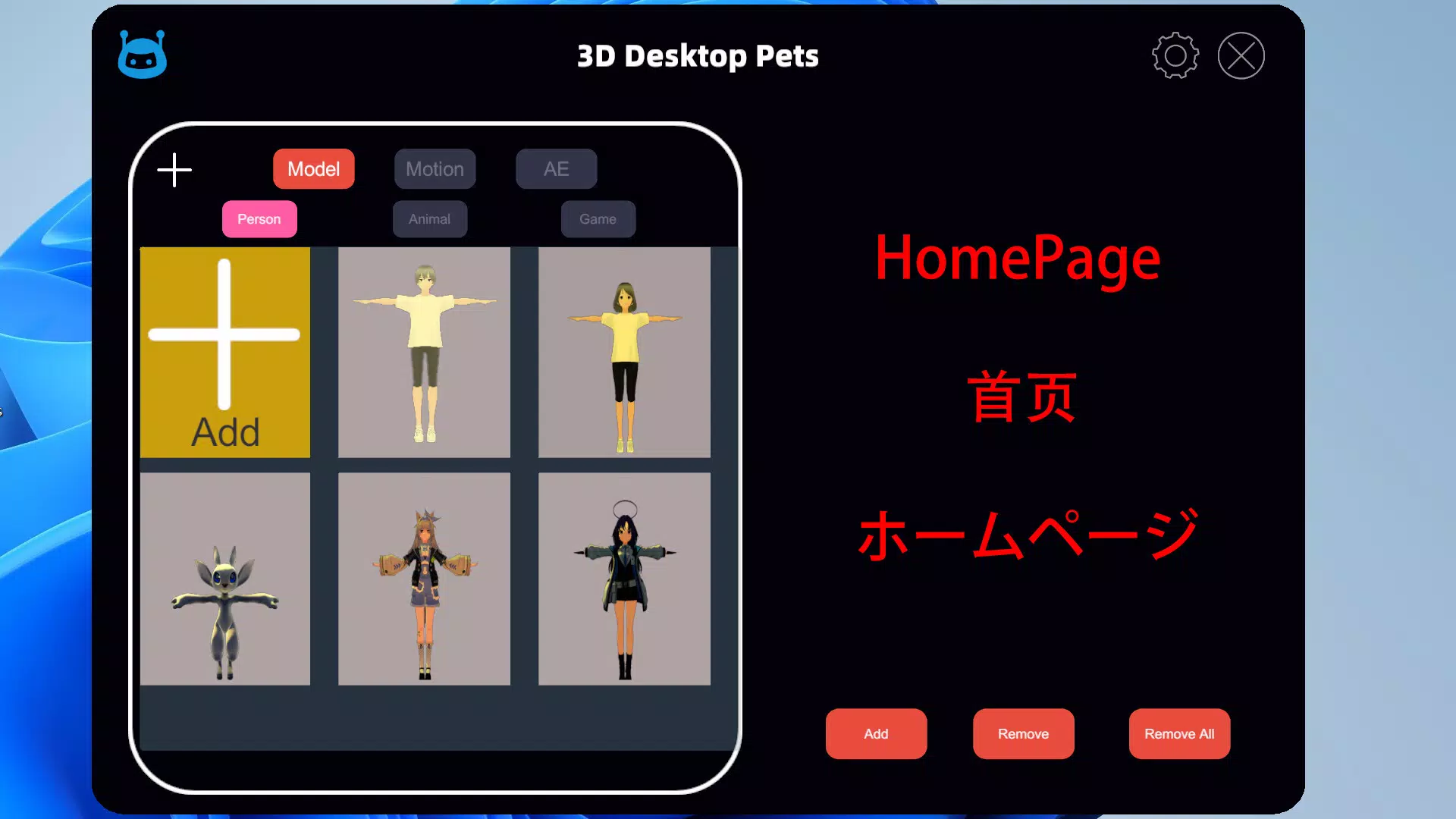
The app supports multiple 3D model formats, including VRM, FBX, OBJ, and glTF2, allowing users to import custom models from various 3D creation tools. This flexibility enables a high degree of customization, appealing to both casual users and digital artists. The app’s ability to import VRM files unlocks a range of interactive behaviors, making the virtual pets responsive and expressive.
Real-world use cases include using the app for personal entertainment, creative experimentation, or as a productivity aid that brings a sense of warmth to a digital workspace. As part of the growing trend in immersive desktop experiences, 3D Desktop Pets fills a niche by combining visual appeal with interactive functionality. The developer, 3D Desktop Pets, has positioned the app as a tool for creativity and emotional engagement within the digital realm.
Key Features & Functionality
- Multi-Format 3D Model Support: The app accepts VRM, FBX, OBJ, and glTF2 formats, enabling users to import models created in different 3D software environments. This ensures broad compatibility with existing digital assets.
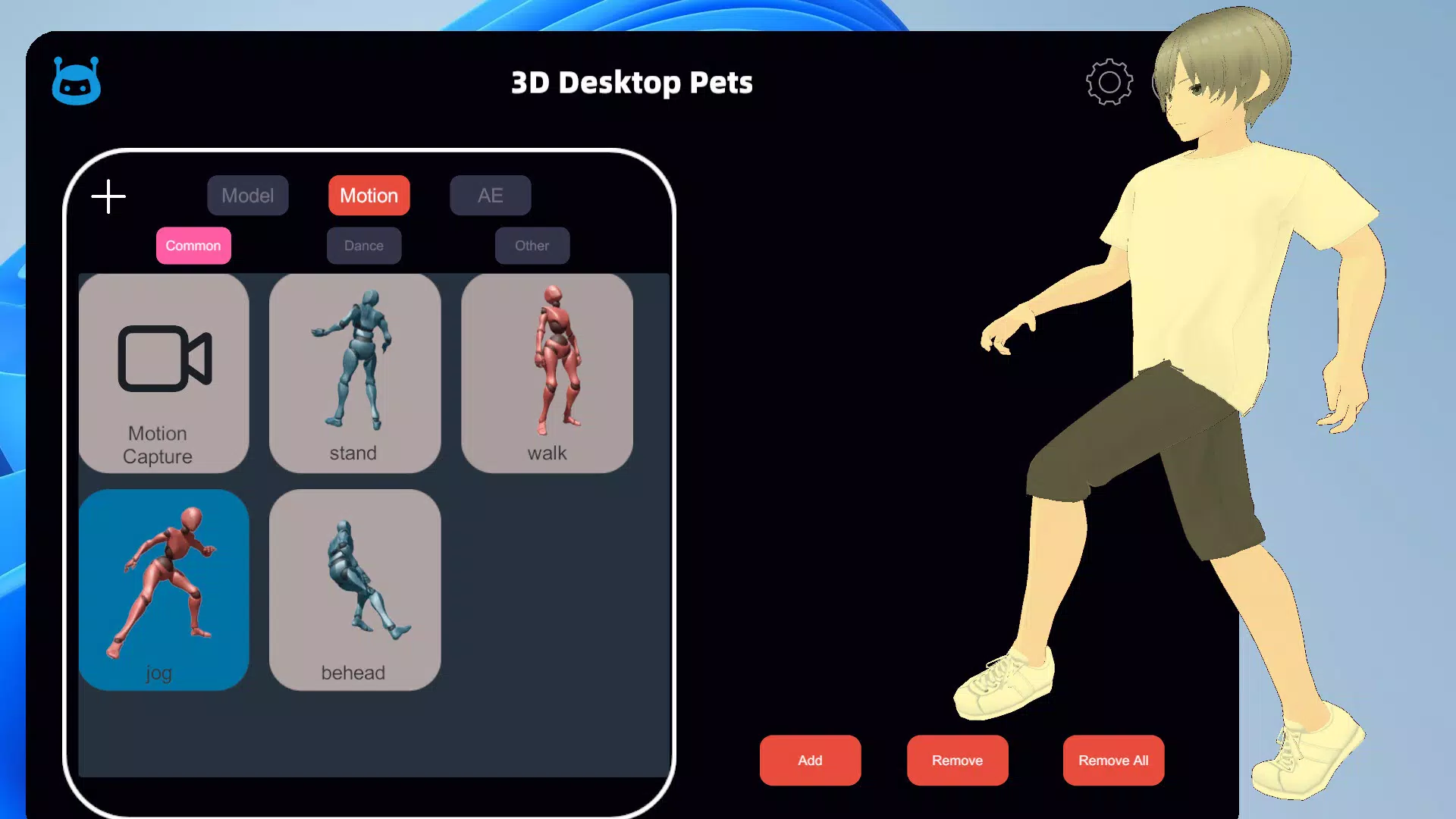
- Motion Capture Integration: Users can upload videos to clone movements and apply them to their 3D pets, resulting in realistic, lifelike animations that enhance interaction.
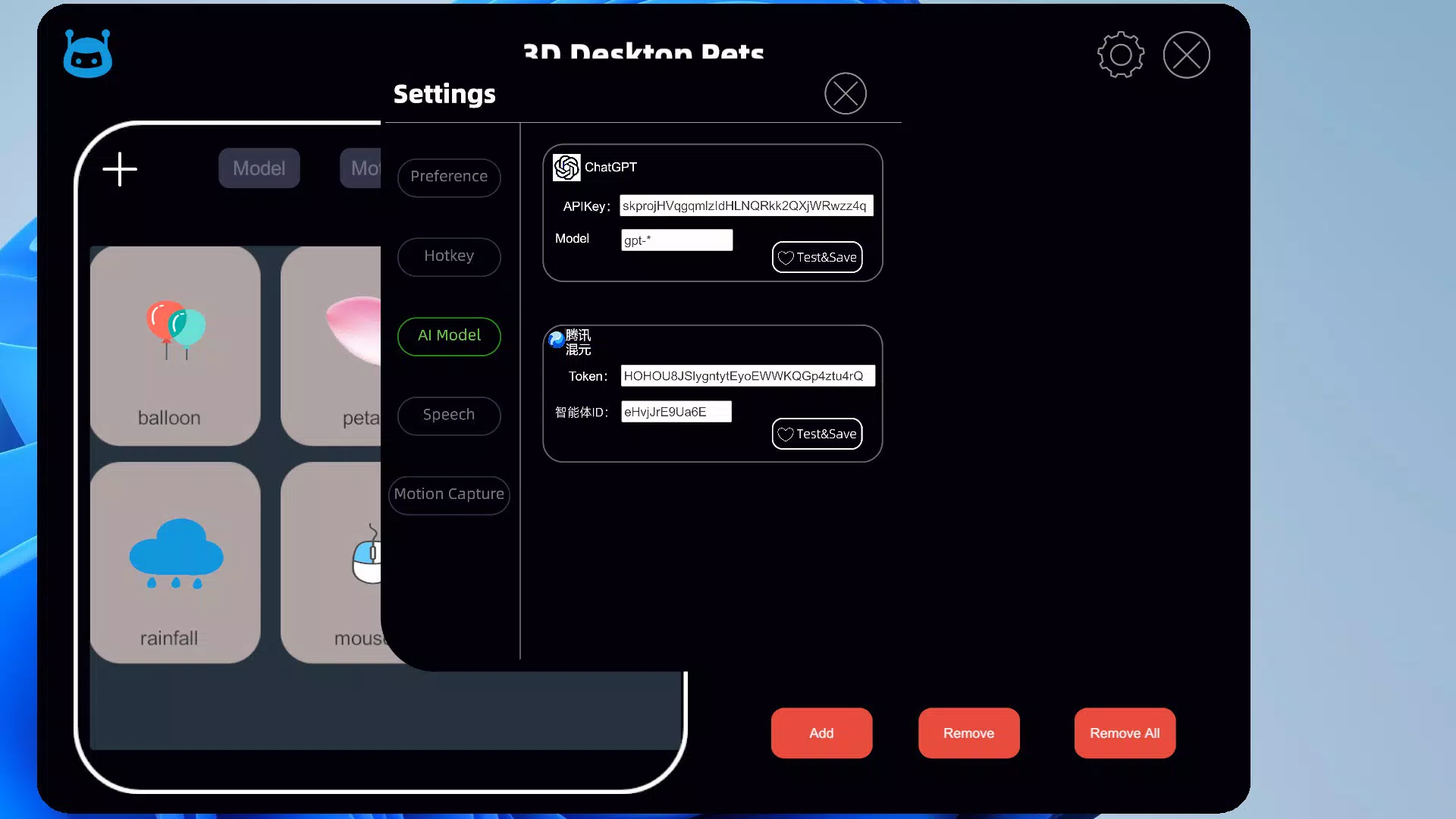
- AI-Powered Conversations: The app uses artificial intelligence to facilitate natural-sounding dialogues with virtual pets, allowing users to engage in meaningful, context-aware interactions.
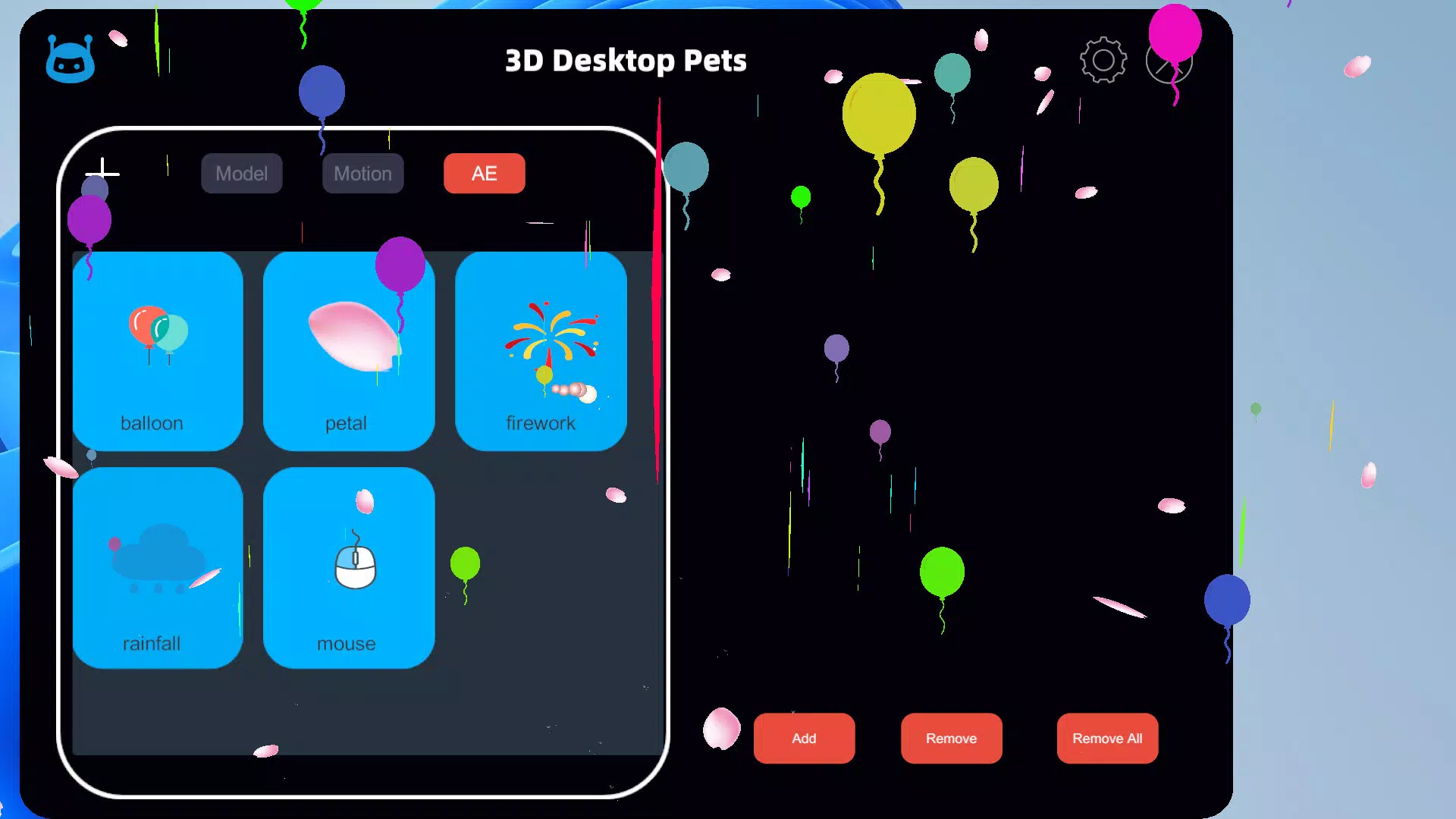
- Immersive Desktop Effects: Features such as animated rain, fireworks, and mouse trails enrich the desktop environment, creating a vibrant and visually stimulating workspace.
- Creative Workshop Access: Although the app does not include preloaded models, users can download a variety of 3D pets from the integrated Creative Workshop, promoting community-driven content and customization.
For example, a digital artist could import a custom-designed VRM model of a fantasy creature and use motion capture to simulate walking and gesturing. Meanwhile, a remote worker might use AI conversations to interact with a virtual pet during breaks, reducing screen fatigue and boosting mood. The combination of visual effects and interactivity turns the desktop into a living canvas, making routine tasks more enjoyable and personalized.
Interface, UX & Performance
The app features a clean, intuitive interface that prioritizes accessibility and visual clarity. Navigation is streamlined, allowing users to manage 3D models, access settings, and trigger effects with minimal effort. The visual style emphasizes realism and depth, with smooth rendering that enhances the lifelike presence of the virtual pets.
Interaction is responsive, with actions such as pet movement and effect activation reacting promptly to user input. Although the developer did not list formal performance metrics, the app’s 120 MB size suggests efficient resource usage, which may contribute to stable performance across a range of Android devices. The app maintains consistent responsiveness during animations and effect sequences, indicating optimized code execution.
Stability appears to be well-managed, with no reported crashes or freezes in the initial release. Users can expect a smooth experience on mid-to-high-end Android smartphones and tablets. The interface adapts well to different screen sizes, ensuring a consistent experience regardless of device form factor.
Overall, the UX design reflects a strong focus on user engagement and ease of use.
Platform Compatibility & Technical Requirements
3D Desktop Pets is available exclusively on the Android platform. The current version is 1.0.0, with a file size of 120 MB. The app is free to download and install, making it accessible to a wide audience.
Specific OS version requirements were not listed by the developer. Compatibility information was not fully disclosed, so users should ensure their devices meet general Android standards for running 3D applications. The developer did not specify minimum RAM, processor, or GPU requirements.
Although the app’s size is moderate, it may require devices with capable graphics processing units to render 3D models and effects smoothly. Users should verify that their device supports the necessary 3D rendering capabilities before installation. The absence of detailed technical specifications means that performance may vary depending on hardware.
However, the app’s efficient design suggests it is optimized for a broad range of Android devices.
Pros and Cons
Pros
- Supports multiple 3D model formats, enhancing user flexibility.
- Integrates motion capture for realistic pet animations.
- Features AI-driven conversations to deepen user engagement.
- Offers immersive desktop effects to elevate visual appeal.
- Includes access to a Creative Workshop for user-generated content.
- Free to download and install, increasing accessibility.
Cons
- Preloaded 3D models were not included, requiring external downloads.
- Specific system requirements were not disclosed.
- App size may be large for users with limited storage.
- Performance may vary on lower-end Android devices.
- No information on update frequency or future development roadmap.
FAQ
Is 3D Desktop Pets safe to download and install?
Yes, the app is free and available through official Android channels. The developer has not reported any security vulnerabilities. Users should always download apps from trusted sources to ensure safety.
Can I use 3D Desktop Pets on iOS devices?
As of now, the app is only available on Android. No iOS version has been announced by the developer.
How do I get 3D models for my virtual pets?
Users can download models from the integrated Creative Workshop. Alternatively, they can import models in supported formats such as VRM, FBX, OBJ, or glTF2 from external sources.
Does the app require an internet connection?
Basic functionality operates offline. However, accessing the Creative Workshop and downloading new models requires an active internet connection.
Are there any in-app purchases?
The app is currently free with no in-app purchases. The developer has not indicated plans for monetization beyond the current model.
Final Thoughts
3D Desktop Pets stands out as a creative and immersive tool that redefines desktop personalization through interactive 3D companions. Its support for multiple 3D formats, motion capture, and AI-driven conversations offers a rich, engaging experience that goes beyond traditional desktop customization. The inclusion of visual effects and a community-driven Creative Workshop adds depth and longevity to the app.
While the lack of preloaded models and detailed technical requirements may pose minor barriers, the app’s free nature and innovative features make it a compelling choice for Android users seeking a unique digital experience. Whether used for entertainment, creative expression, or emotional comfort, 3D Desktop Pets enhances the digital workspace with life and personality. For users who value innovation and interactivity, this app delivers a fresh and rewarding alternative to standard desktop tools.
Download 3D Desktop Pets now.


